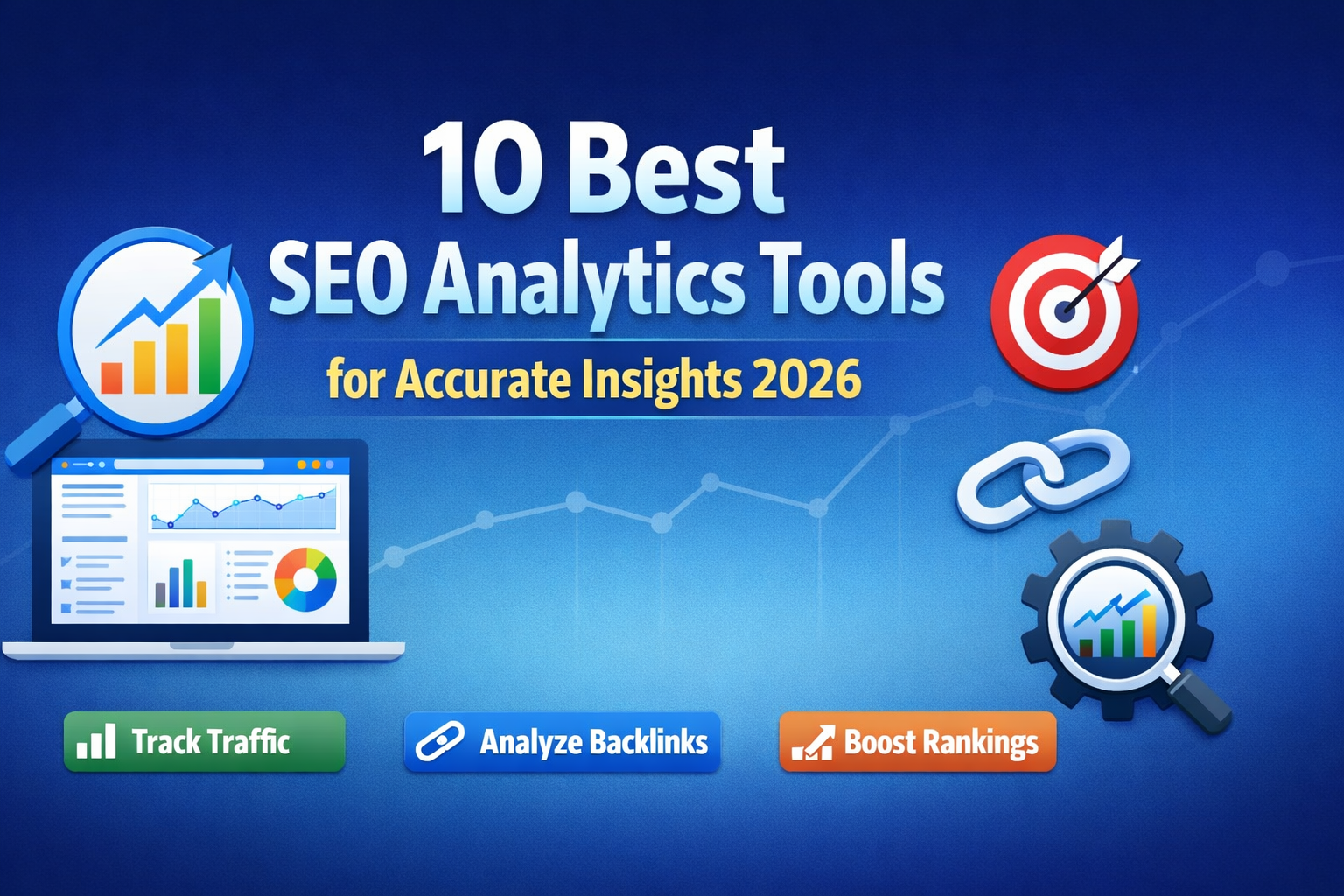
The best SEO analytics tools help you measure traffic, track rankings, audit technical issues, and analyze backlinks accurately. Whether you’re a beginner or a professional SEO specialist, the right platform depends on your budget, reporting needs, and campaign complexity.
SEO without analytics is guesswork.
Many businesses invest in content, backlinks, and optimization — but fail to track what actually moves rankings and revenue. The right website traffic analysis tools and keyword tracking tools help you:
- Identify ranking opportunities
- Monitor competitor strategies
- Detect technical issues
- Measure ROI accurately
Below is a curated list of the 10 best SEO analytics tools for beginners to advanced SEO professionals.
Quick Comparison Table of SEO Analytics Tools
| Tool | Best For | Free Version | Strength |
|---|---|---|---|
| Google Analytics 4 | Traffic analysis | Yes | User behavior insights |
| Google Search Console | Search performance | Yes | Direct Google data |
| Ahrefs | Backlink analysis | No | Link database strength |
| SEMrush | All-in-one SEO | Limited | Competitive research |
| Moz Pro | Beginners | No | Easy UX |
| Screaming Frog | Technical audits | Limited | Site crawling |
| SE Ranking | Agencies | No | Affordable reporting |
| Ubersuggest | Small businesses | Limited | Budget SEO |
| Matomo | Privacy-focused sites | Yes | Data ownership |
| Serpstat | Keyword research | Limited | Cost-effective suite |
1. Google Analytics 4 (GA4)
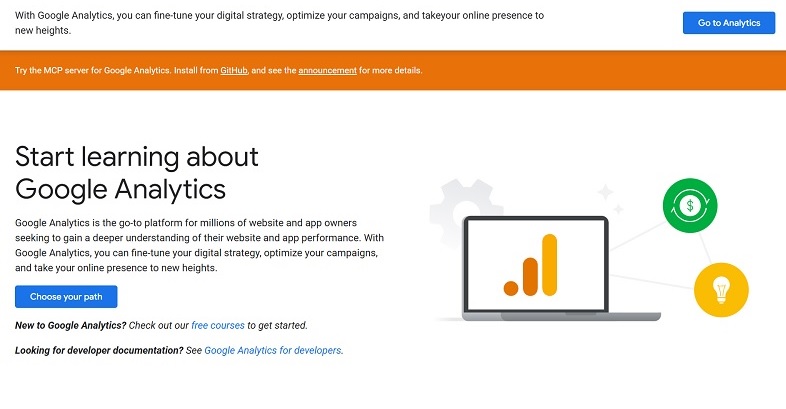
Google Analytics (GA4) uses event-based tracking to measure user journeys across devices, providing deeper insights into engagement, conversions, attribution modeling, and predictive audience behaviour.
Pros
- Free and powerful
- Deep behavioral insights
- Integrates with Google Ads
Cons
- Complex learning curve
- Not keyword-focused
Best for: Traffic tracking and conversion analysis.
2. Google Search Console
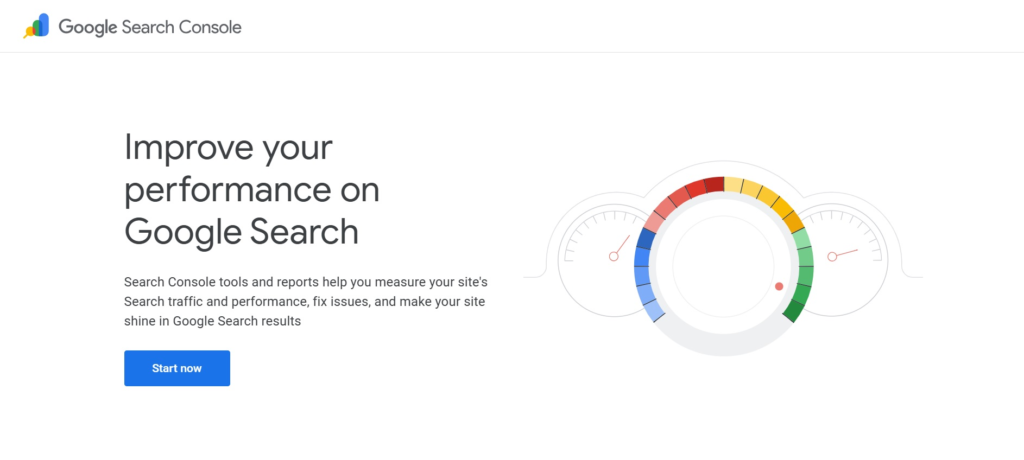
Google Search Console (GSC) provides direct search performance data, including impressions, clicks, keyword queries, indexing status, crawl errors, Core Web Vitals, and technical optimization alerts.
Pros
- 100% free
- Direct Google keyword data
- Core Web Vitals insights
Cons
- Limited historical data
- Basic reporting features
Best for: Monitoring search visibility and indexing health.
2. Ahrefs
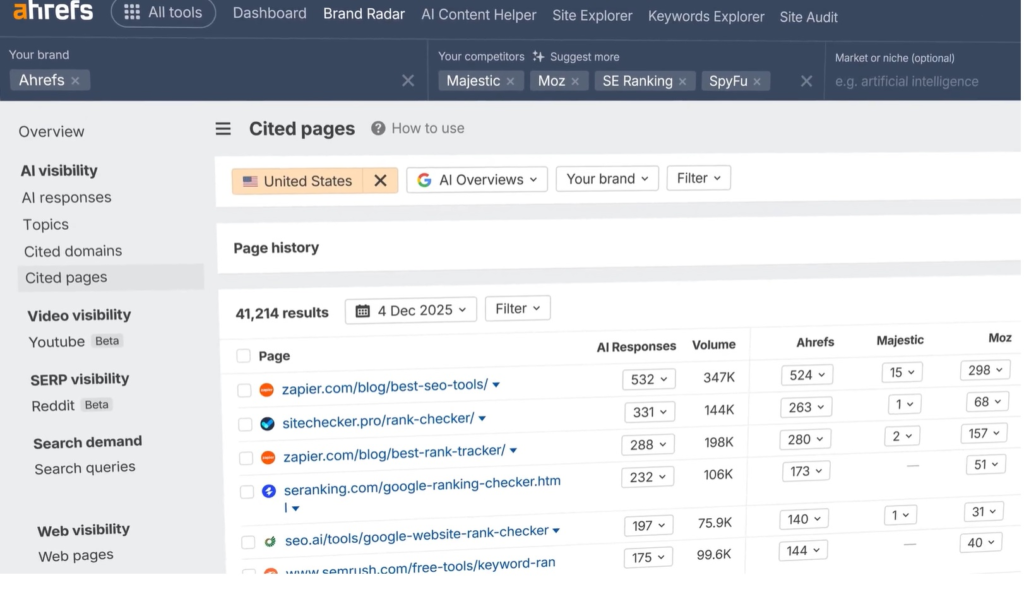
Ahrefs delivers in-depth backlink analysis, keyword research, competitor benchmarking, rank tracking, and site audits using one of the industry’s largest live link databases.
Pros
- Massive backlink database
- Strong keyword explorer
- Accurate rank tracking
Cons
- Expensive
- No free plan available
Best for: Link building and competitive analysis.
4. Semrush
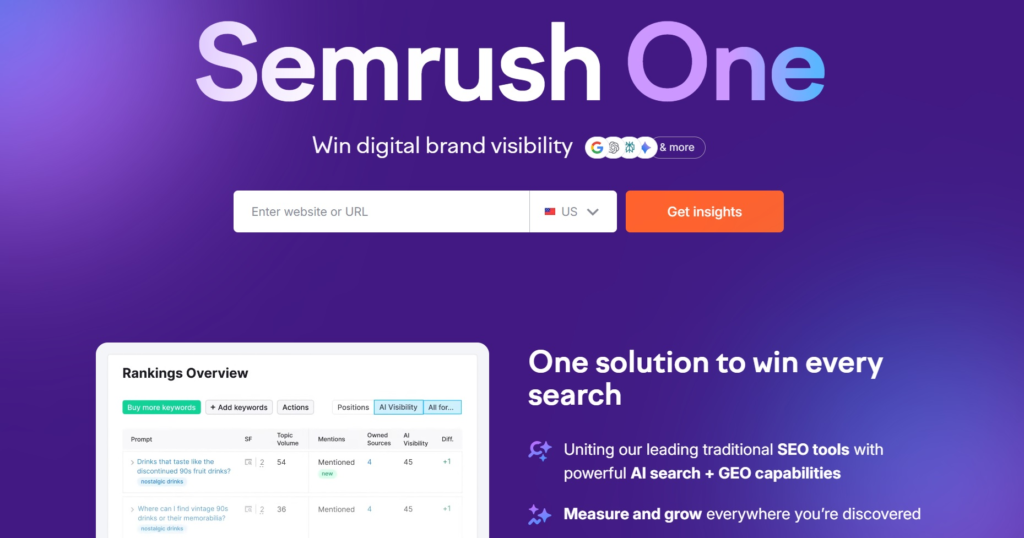
Semrush is an all-in-one SEO suite offering keyword research, competitor analysis, site audits, backlink tracking, PPC insights, and customizable reporting dashboards for agencies and enterprises.
Pros
- All-in-one suite
- Detailed competitor insights
- Excellent reporting
Cons
- Higher cost
- Interface can feel overwhelming
Best for: Agencies and advanced SEO professionals.
5. Moz Pro
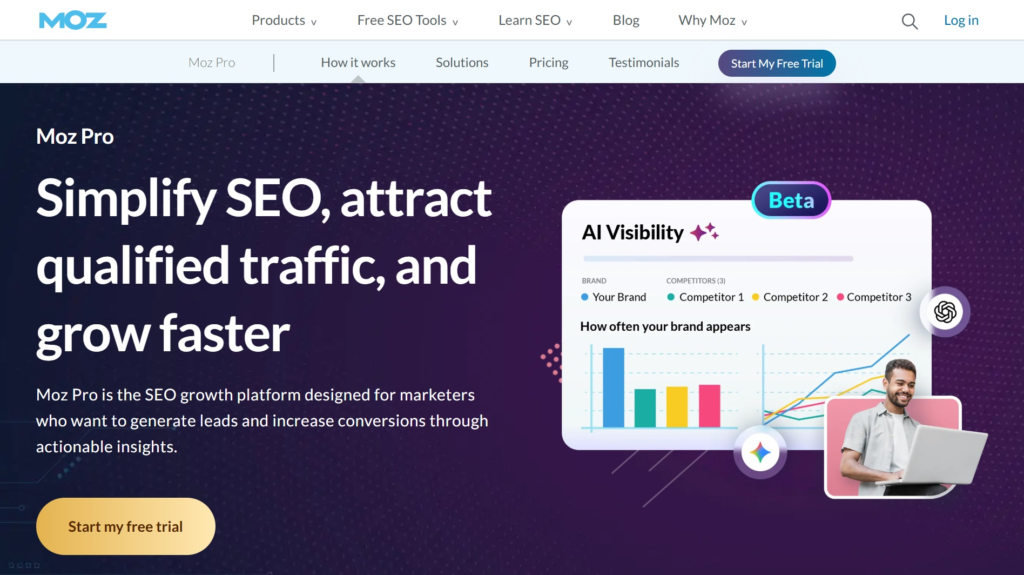
Moz Pro provides beginner-friendly SEO analytics, including keyword research, site audits, backlink tracking, and domain authority metrics, all through an intuitive, easy-to-navigate interface.
Pros
- Easy interface
- Strong domain authority metric
- Solid keyword tools
Cons
- Smaller backlink database
- Limited advanced features
Best for: Beginner to intermediate SEO specialists.
6. Screaming Frog SEO Spider
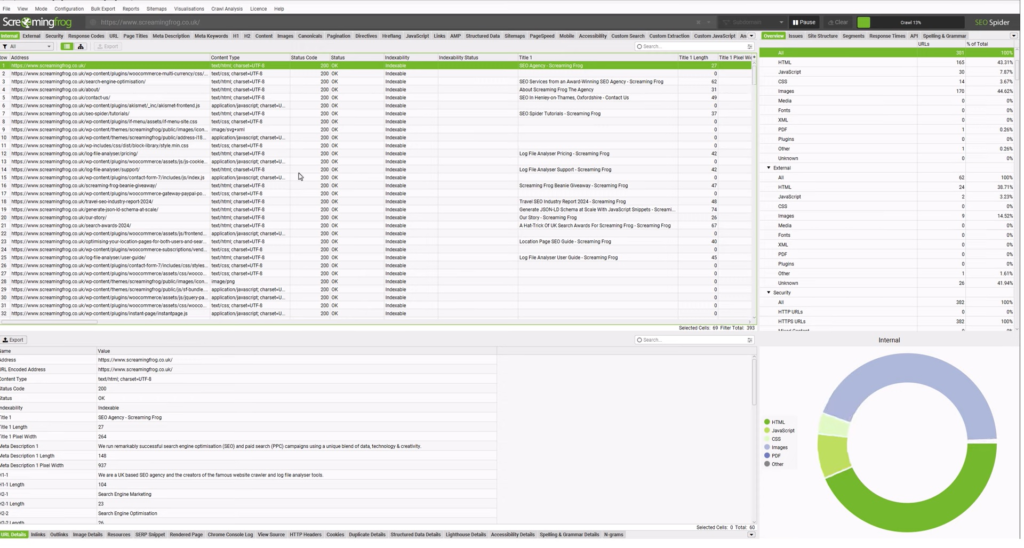
Screaming Frog SEO Spider crawls websites like a search engine, identifying technical SEO issues, broken links, redirects, duplicate content, and site architecture problems for comprehensive audits.
Pros
- Deep technical analysis
- Custom extraction features
- Affordable one-time license
Cons
- Desktop-based
- Requires technical knowledge
Best for: Technical SEO audits and site structure analysis.
7. SE Ranking
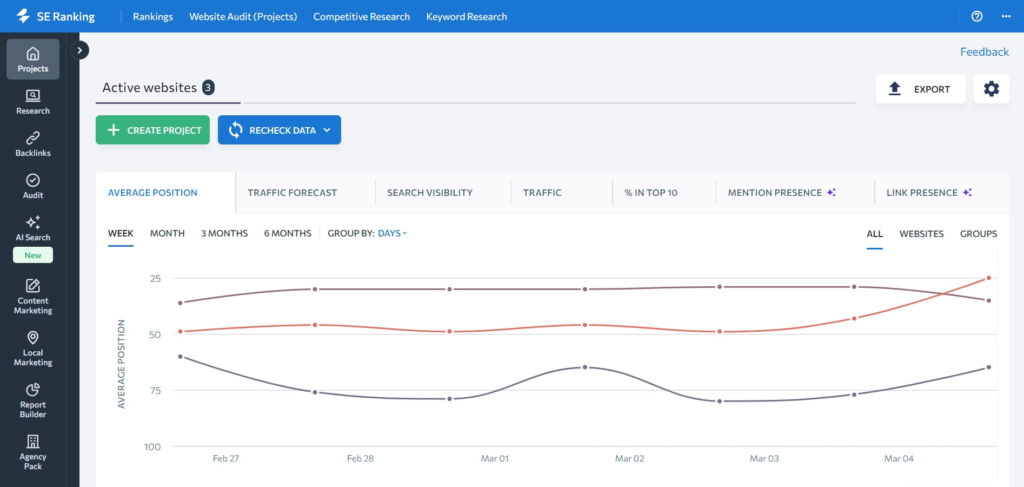
SE Ranking is an affordable SEO platform offering keyword tracking, competitor analysis, backlink monitoring, and customizable reporting, ideal for agencies, freelancers, and small businesses.
Pros
- Cost-effective
- Accurate keyword tracking
- Agency-friendly reports
Cons
- Smaller data index vs Ahrefs
- UI less polished
Best For: Freelancers and agencies on a budget.
8. Ubersuggest
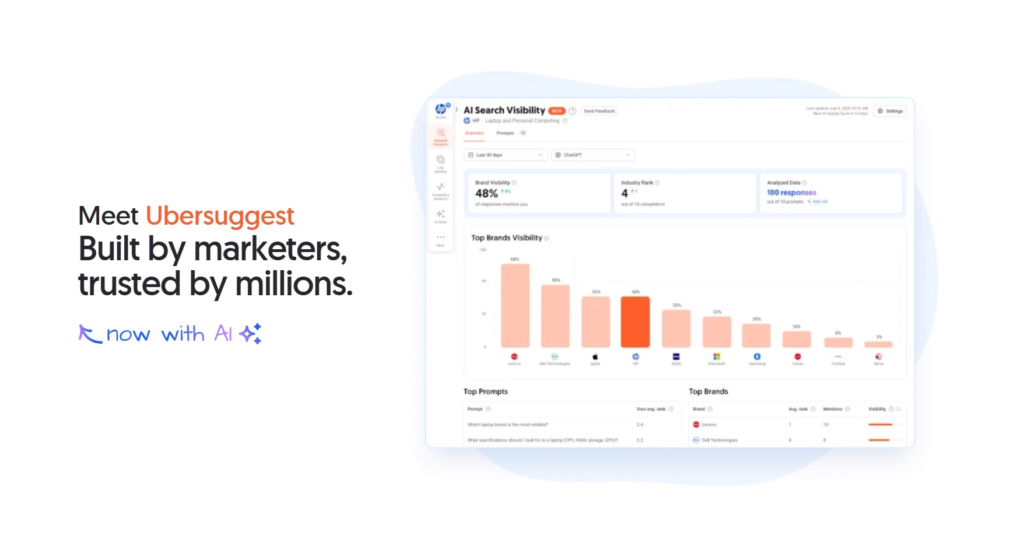
Ubersuggest is a beginner-friendly SEO platform providing keyword research, site audits, backlink insights, and content ideas, helping small businesses improve rankings on a budget.
Pros
- Affordable pricing
- Easy dashboard
- Basic backlink insights
Cons
- Limited data depth
- Slower updates
Best For: Small businesses and startups.
9. Matomo
Matomo is a privacy-focused analytics tool that tracks website traffic, user behaviour, and conversions while giving full data ownership and GDPR-compliant reporting.
Pros
- Full data ownership
- GDPR-compliant
- Customizable tracking
Cons
- Requires hosting setup
- Less intuitive UI
Best For: Privacy-sensitive organizations.
10. Serpstat
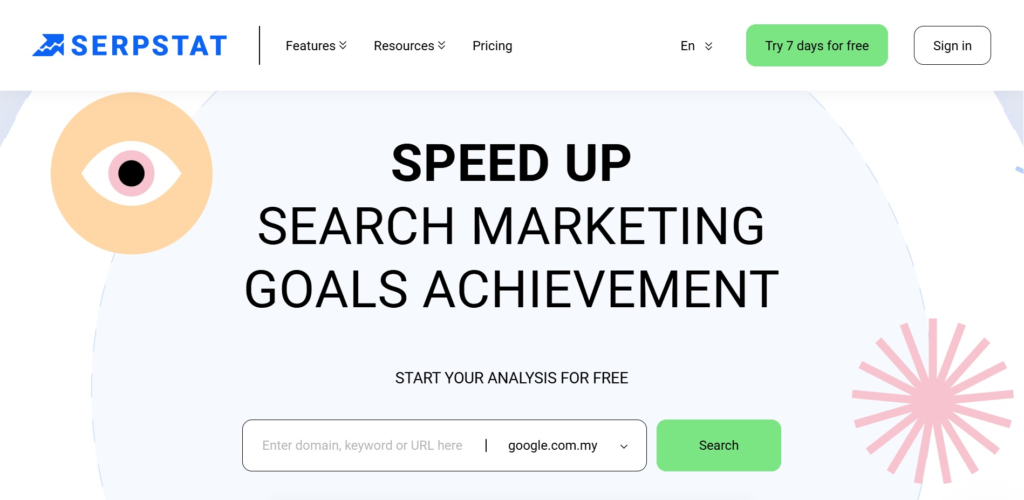
Serpstat is an all-in-one SEO toolkit offering keyword research, rank tracking, backlink analysis, site audits, and competitor insights, ideal for SMEs and growing SEO teams.
Pros
- Affordable all-in-one
- Strong keyword clustering
- Growing database
Cons
- Smaller link index
- Limited advanced technical features
Best For: SMEs and growing SEO teams.
How to Choose the Best SEO Analytics Tools
Choosing the best SEO analytics tools depends on your goals, budget, reporting needs, and skill level. Here’s a simple guide to help you decide:
1. Define Your Primary Goal
- Traffic tracking → GA4: Monitor user behaviour, conversions, and engagement across devices.
- Backlink analysis → Ahrefs: Analyze link profiles and competitor backlinks in depth.
- Technical SEO audits → Screaming Frog: Identify crawl errors, broken links, and site architecture issues.
2. Consider Your Budget
- Free tools → Google Analytics, Google Search Console: Ideal for freelancers or new startups for basic SEO monitoring.
- Mid-range tools → SE Ranking, Serpstat: Affordable yet comprehensive SEO reporting.
- Premium tools → SEMrush, Ahrefs: Advanced features for agencies or large-scale campaigns.
3. Match Your Reporting Needs
- Agency reporting → Semrush, SE Ranking: Generate white-label, customizable client reports.
- Simple dashboards → Ubersuggest: Quick, easy-to-read insights for small teams or beginners.
4. Assess Your Skill Level
- Beginner-friendly → Moz Pro, Ubersuggest: Intuitive interfaces with straightforward recommendations.
- Advanced users → Ahrefs, Screaming Frog: Robust features for in-depth analysis and technical SEO audits.
Conclusion: Elevate Your SEO Strategy
Choosing the right SEO analytics tools help you:
- Track website traffic and user behavior to optimize content and conversions
- Analyze backlinks and competitors to strengthen your SEO strategy
- Identify technical issues before they affect rankings
- Make informed, data-driven decisions that save time and resources
For SEO agencies in Malaysia who are considering listing their digital marketing services to attract a wider market, consider listing your company with Aelang.net.
We are a premier digital business directory that evaluates and ranks SEO agencies, analytics providers, and digital marketing firms, helping you connect with verified clients.
FAQs About SEO Analytics Tools
1. What are SEO analytics tools?
SEO analytics tools measure keyword rankings, traffic, backlinks, and technical health to improve search performance.
2. Which are the best free SEO analytics tools?
Google Analytics and Google Search Console are the best free options.
3. What is the difference between SEO reporting tools and analytics tools?
Analytics tools collect data; while reporting tools organize and present performance insights.
4. Are paid SEO tools worth it?
Yes, if you need in-depth competitor data, backlink insights, and large-scale keyword research and tracking.
5. How many SEO tools do I need?
Most SEO professionals use 2–3 tools: one for traffic, one for backlinks, and one for technical audits.